Your first campaign
Step-by-step guide to launching your first incentive campaign on MerklGoal
Launch your first incentive campaign on Merkl Studio in under 10 minutes. By the end of this guide, you'll have a live campaign rewarding users on any supported protocol.
Prerequisites
- A wallet with enough tokens to fund the campaign rewards
- Your reward token approved on the chain you're targeting
- Basic understanding of which protocol/pool you want to incentivize
Step-by-Step
1. Connect your wallet
Head to Merkl Studio and connect your wallet using the button in the top-right corner. Merkl supports all major wallets through WalletConnect, Coinbase Wallet, and injected providers.
Pro tip: Make sure you're connected to the correct chain before starting the campaign creation flow.
2. Choose your campaign type
Click Create to open the campaign category selection. You'll see several options:
- Concentrated Liquidity: for Uniswap V3/V4 and similar CLAMM pools
- Token Holding: for rewarding holders of any ERC20 token
- Lending & Borrowing: for protocols like Aave, Morpho, Euler
- Airdrop: for distributing tokens to a predefined address list
Pick the category that matches your use case.
3. Configure your campaign
Each campaign type has a dedicated creation flow. At minimum, you'll configure:
- Target opportunity: the pool, token, or market you want to incentivize
- Reward token: the token you'll distribute as rewards
- Duration: how long the campaign will run
- Budget: total reward amount for the campaign period
4. Review and Launch
Before submitting, review all parameters carefully:
- Double-check the target opportunity address
- Verify the reward amount and duration
- Confirm the distribution formula if applicable
Once satisfied, click Create Campaign and approve the transaction in your wallet.
5. Monitor performance
After creation, head to the Manage tab to track your campaign:
- View real-time distribution metrics
- Check participant counts and reward claims
- Monitor remaining budget and time
Common mistakes
- Wrong chain: always verify you're on the correct network before creating a campaign
- Insufficient allowance: make sure your reward token has enough allowance for the Merkl contracts
- Too short duration: campaigns under 24 hours may not attract enough participation. Start with at least 7 days
- Missing token approval: the reward token must be whitelisted on Merkl. Check the docs if your token isn't available
Related Guides
Private LP Deals Through Merkl: Why and How
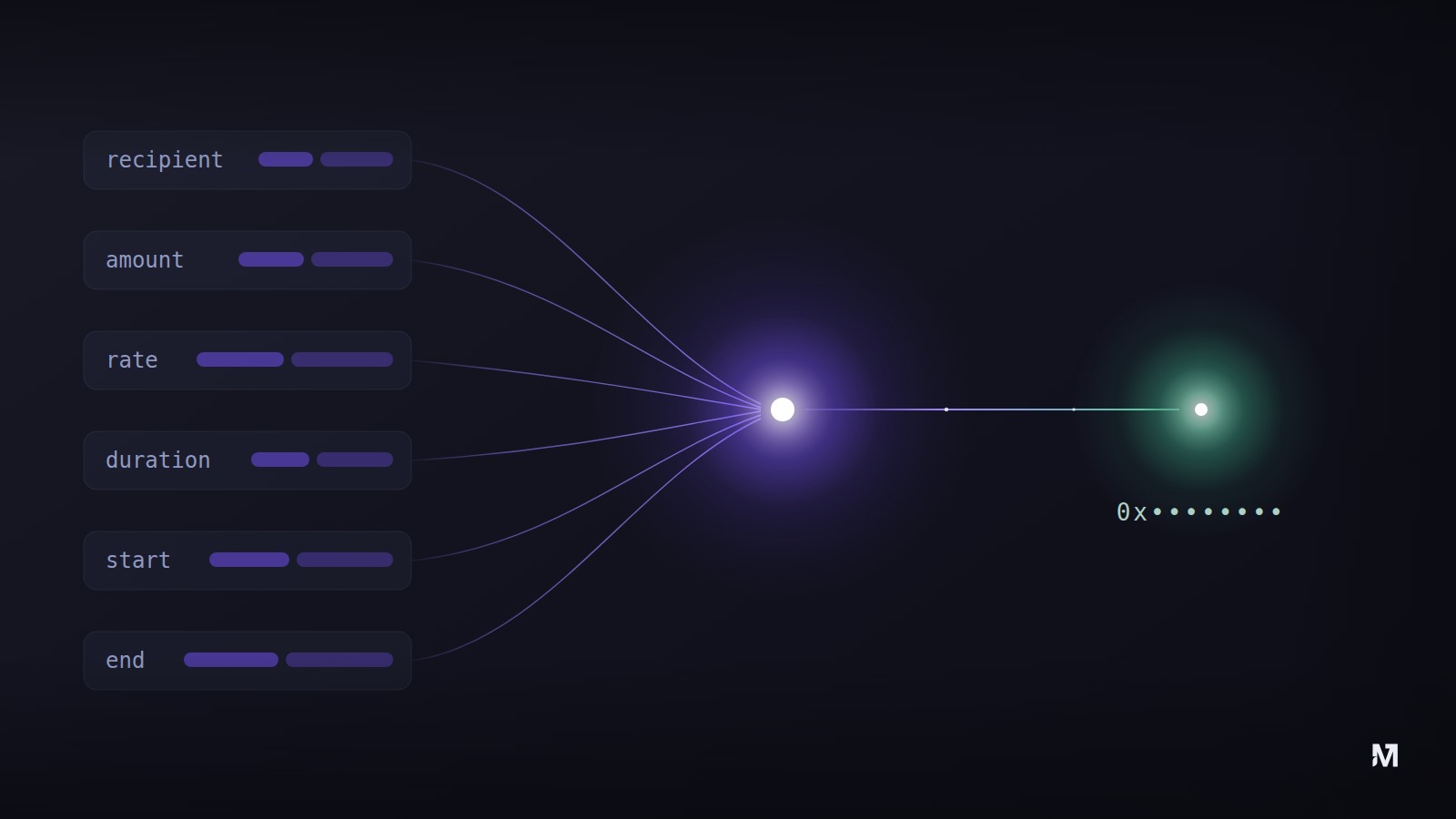
Run negotiated LP deals as private Merkl campaigns: neutral reward computation, real-time payment, funds deposited upfront, fully confidential.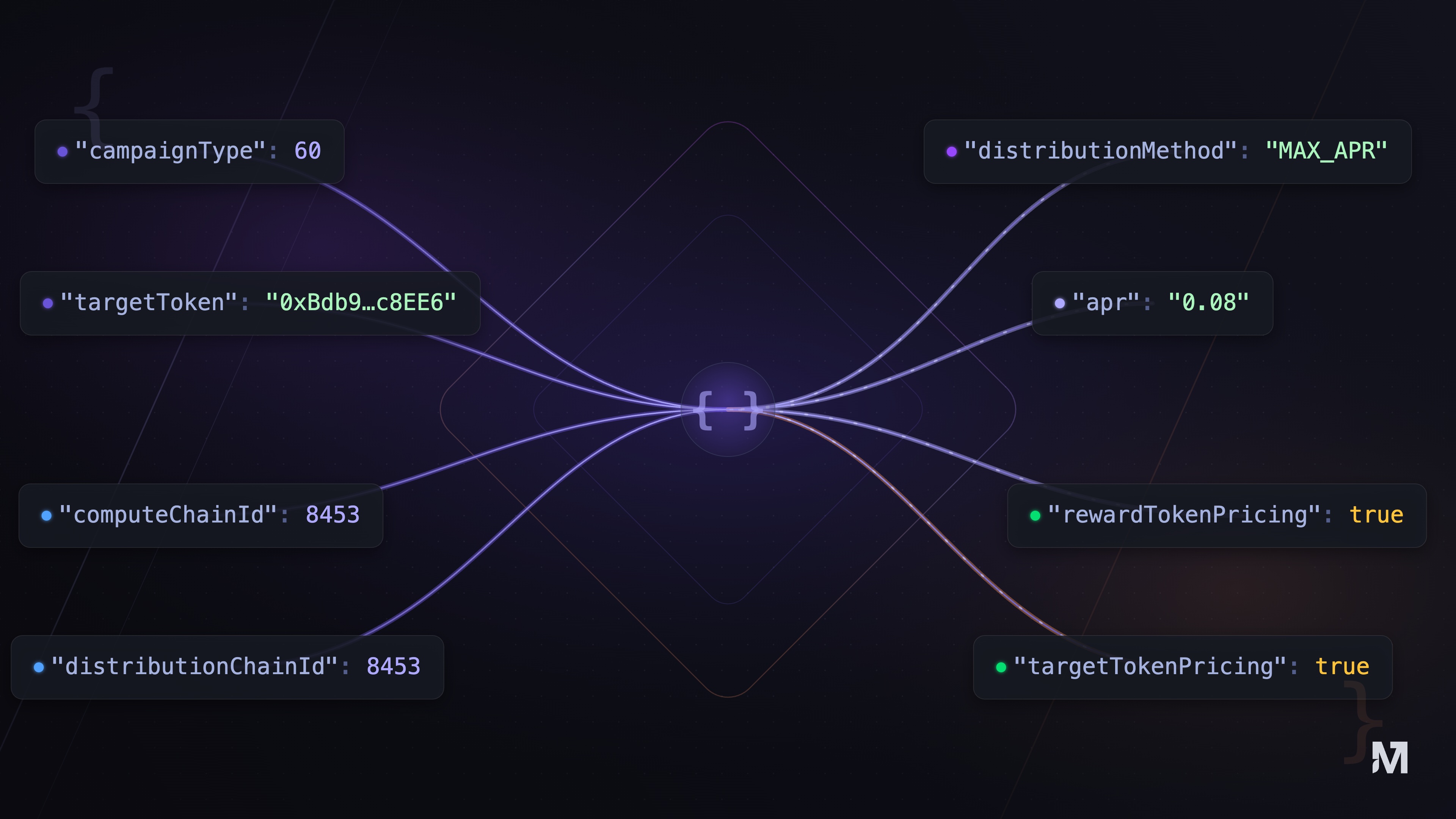
How a Merkl campaign is built: understanding the configuration
Learn how every Merkl campaign is built from a configuration, with its two layers: standard fields and structured inputs, explained simply.